Show “Tagged In” Assets on Asset Layout Table View
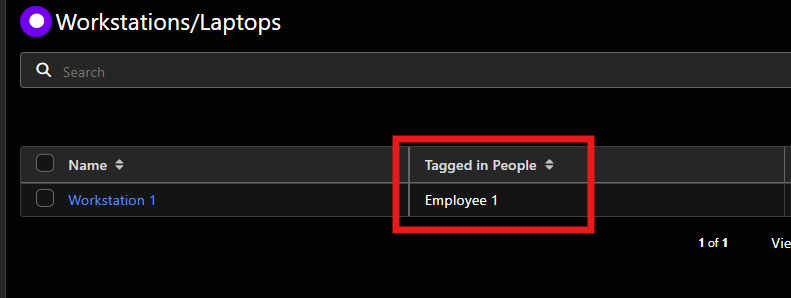
Please add a “Tagged In” section to the assets layout table view that displays a list of assets where the current asset has been tagged.
Example: If a Workstation asset is selected in an asset tag field of a People asset, the Workstation asset should display the People asset in its asset layout table view as “Tagged In”.

Log in to comment and vote
Comments1
Aquamarine Cookie
Feb 21
The field title doesn't necessarily need to be "Tagged In", but as it is, we're unable to list related items in asset layout table views. This means when we update our documentation of which workstation/laptop a People asset is using, the People asset will not be visible on the Workstation/Laptop asset layout table, meaning we will either need to open each Workstation/Laptop asset or manually create and update a "Primary User" field, doubling the time it takes us to document each user and their associated workstation/laptop.