Hide/minimize synced Memory slots from Datto RMM VMs (vsphere)
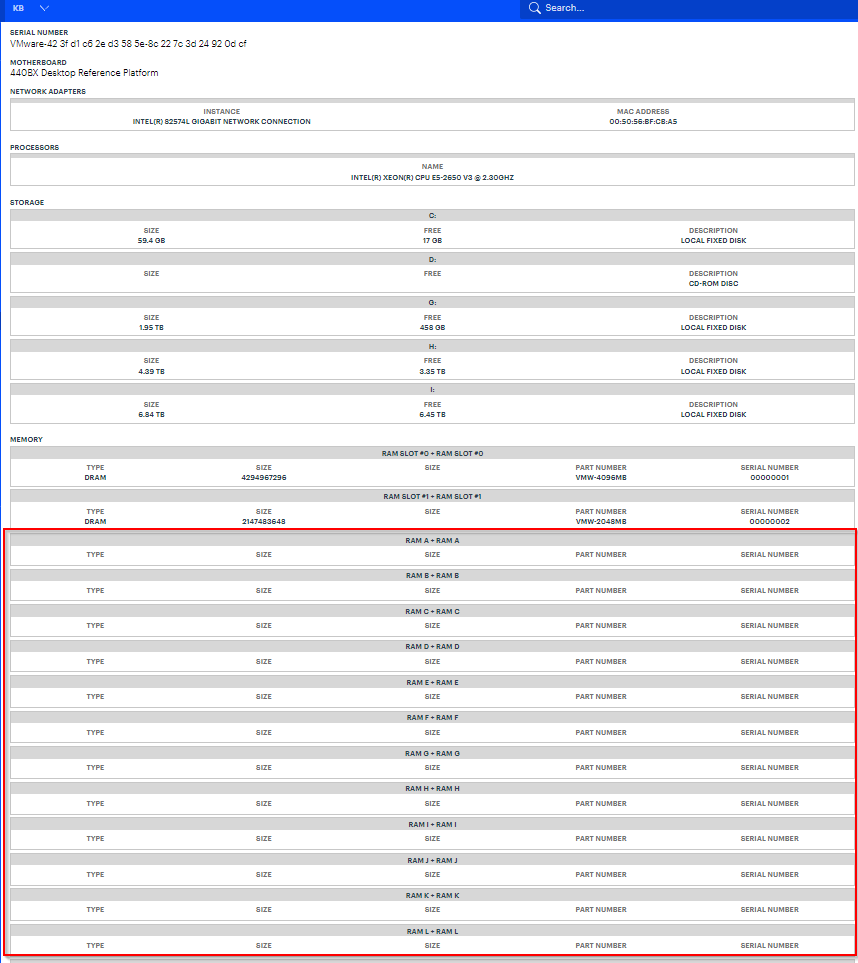
VMs (vsphere) synced from Datto RMM shows 60+ memory slots (most are empty) and it takes a lot of scrolling to get past and to the other data fields below. We'd like an option to hide/minimize the Memory section by default or for the sync to not pull empty ram slots for vsphere VMs.
Log in to comment and vote
No comments yet
Be the first to share your thoughts.